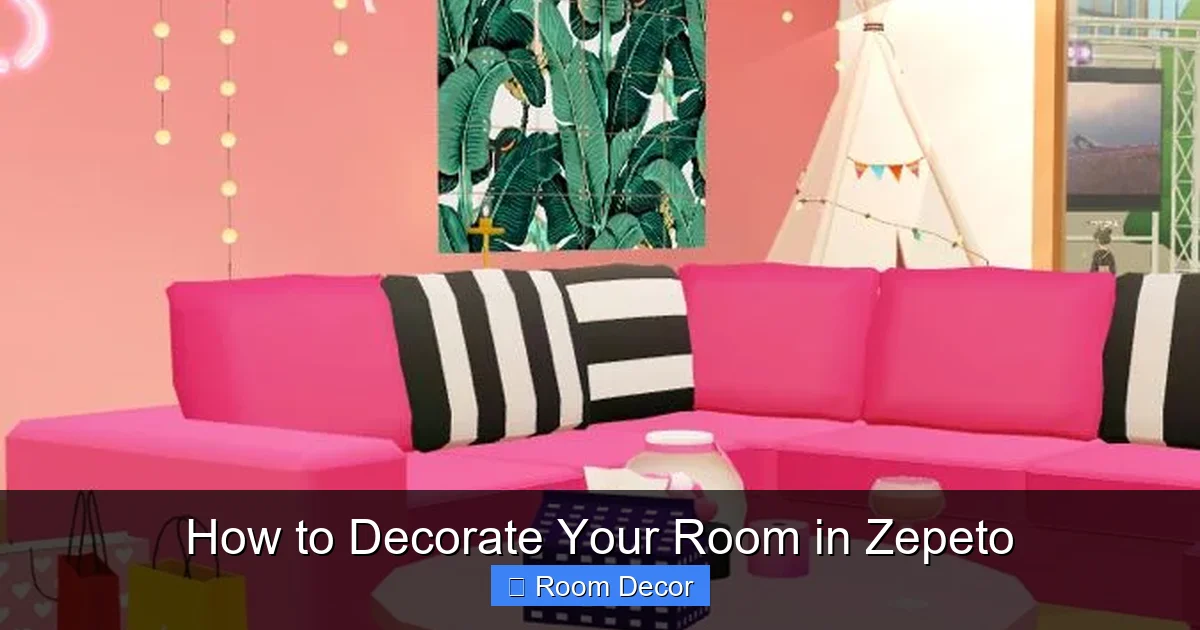
Ready to make your Zepeto room a reflection of your style? This guide will walk you through everything you need to know to decorate your Zepeto room effectively. From understanding the basics of the Zepeto Home system to choosing furniture, arranging items, and adding personal touches, we’ll help you create a unique and stylish virtual sanctuary. Get ready to unleash your creativity and design the perfect Zepeto room!
Welcome to the ultimate guide on how to decorate your room in Zepeto! Zepeto is a fantastic platform for expressing yourself, and your virtual room is one of the best ways to do it. Whether you dream of a sleek, modern apartment, a cozy, whimsical cottage, or a futuristic, high-tech space, Zepeto offers the tools to bring your vision to life. In this guide, we’ll break down the process step-by-step, so you can transform your blank virtual canvas into a space that’s uniquely yours.
You’ll learn how to navigate the Zepeto Home system, find the perfect furniture and decor, arrange items like a pro, and add those special touches that make your room truly stand out. Get ready to unleash your inner interior designer!
Key Takeaways
- Understand the Zepeto Home Interface: Familiarize yourself with the room editing tools, item menus, and placement options available in Zepeto.
- Plan Your Room’s Theme and Layout: Before buying anything, decide on a style (e.g., minimalist, cozy, futuristic) and how you want to arrange furniture for functionality and aesthetics.
- Explore and Purchase Furniture and Decor: Discover the vast Zepeto Store for a wide variety of furniture, wallpaper, flooring, and decorative items to match your theme.
- Master Item Placement and Rotation: Learn the techniques for precisely positioning, rotating, and stacking items to create dynamic and appealing arrangements.
- Utilize Wall and Floor Customization: Transform your room’s atmosphere by choosing different wallpapers and flooring options that complement your chosen decor.
- Add Personal Touches: Incorporate items that reflect your personality, such as photos, artwork, or custom-designed elements, to make your Zepeto room truly your own.
- Experiment and Iterate: Don’t be afraid to try different combinations, move things around, and update your room as new items become available or your style evolves.
Step 1: Getting Started with Zepeto Home
Before you can start decorating, you need to understand the Zepeto Home environment. This is where all the magic happens.
Accessing Your Room
First things first, launch the Zepeto app and navigate to the “Home” section. This is usually found on the main menu or a dedicated tab. Here, you’ll see your current room. If it’s your very first time, it will likely be a basic, unfurnished space.
Understanding the Editing Interface
Once you’re in your room, you’ll notice several buttons and menus. The primary one you’ll be using is the “Edit” or “Decorate” button. Tapping this usually brings up the Zepeto Store interface within your room. This interface allows you to browse, select, and place items.
* Item Categories: The Zepeto Store is organized into categories. You’ll find sections for furniture (sofas, beds, tables), walls, floors, decorations (plants, art, lighting), and sometimes even special themed packs.
* Placement Tools: When an item is selected, you’ll typically see controls for moving it around your room, rotating it, and sometimes even scaling it.
* Undo/Redo: Most editing interfaces have an undo and redo function, which is incredibly helpful when you’re experimenting.
Currency and Items
Zepeto uses in-game currencies (like ZEM and Coins) to purchase items. Some items are free or earned through gameplay, while others require purchasing with these currencies. Keep an eye out for sales and special events that offer discounted decor!
Step 2: Planning Your Room’s Theme and Layout
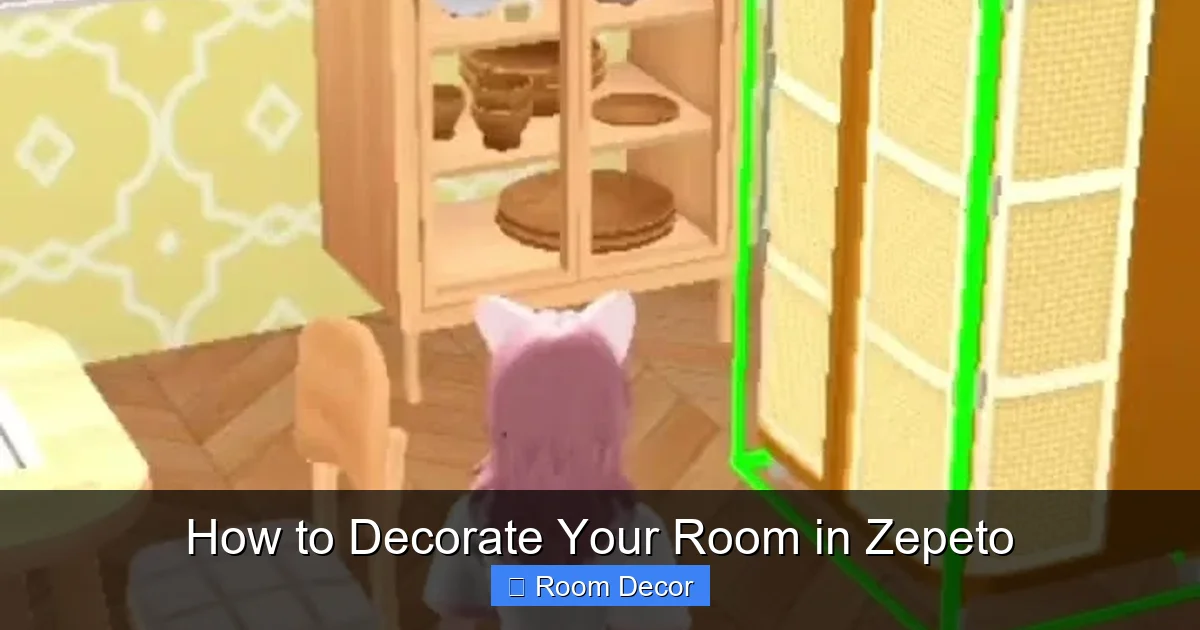
Visual guide about How to Decorate Your Room in Zepeto
Image source: i.ytimg.com
Before you start filling your room with random items, it’s crucial to have a plan. This saves you time, in-game currency, and helps create a cohesive look.
Choosing a Theme
What kind of vibe do you want for your Zepeto room? Here are some popular ideas to get you thinking:
* Cozy & Hygge: Think soft blankets, warm lighting, comfortable seating, and natural textures. This theme is all about comfort and relaxation.
* Minimalist & Modern: Clean lines, neutral colors, and functional pieces. This theme is sleek and uncluttered.
* Futuristic & Sci-Fi: Metallic finishes, neon lights, geometric shapes, and high-tech gadgets. This theme is bold and cutting-edge.
* Bohemian & Eclectic: A mix of patterns, colors, and textures. This theme is artistic and free-spirited.
* Fantasy & Whimsical: Magical elements, pastel colors, and playful decor. This theme is enchanting and imaginative.
Consider your favorite colors, styles, and even characters from Zepeto. What would *you* want to relax in or show off to your friends?
Sketching a Basic Layout
Grab a piece of paper or use a note-taking app. Think about the basic shape of your room. Where will the main furniture pieces go?
* Entryway: Where do you want people to enter and feel welcomed?
* Living Area: If you have space, plan for a seating area for chatting or watching something.
* Bedroom Area: Even in a studio-style room, designate a space for your bed.
* Work/Study Nook: If you want a desk area, figure out its placement.
* Flow of Movement: Ensure there’s enough space to walk around comfortably between furniture. Avoid blocking doorways or creating cramped pathways.
This initial planning prevents you from buying a massive sofa that doesn’t fit or a desk that awkwardly obstructs a door.
Step 3: Browsing and Acquiring Decor
Visual guide about How to Decorate Your Room in Zepeto
Image source: i.pinimg.com
Now for the fun part – shopping for your Zepeto room! The Zepeto Store is your treasure trove.
Navigating the Zepeto Store
When you enter edit mode, the Zepeto Store will typically pop up. You can usually browse by:
* **Category:** Furniture, Walls, Floors, Decorations, Special Packs.
* **New Arrivals:** See the latest items added to the game.
* **Popular Items:** What other Zepeto users are loving.
* **Themes:** Sometimes items are grouped by specific themes (e.g., “Summer Vibes,” “Winter Wonderland”).
Choosing Furniture
Furniture forms the backbone of your room. Think about:
* Scale: Does the item look appropriately sized for your room? A tiny chair in a vast room can look lost, while an oversized bed in a small space can make it feel cramped.
* Functionality: Even if it’s decorative, does it serve a purpose in your imagined scenario? A desk needs a chair, a sofa needs a coffee table.
* Style Consistency: Try to pick furniture that aligns with your chosen theme. A futuristic chair might clash with a rustic wooden table.
**Example:** For a cozy theme, you might look for a plush armchair, a rustic coffee table, and a soft rug. For a modern theme, consider a sleek sectional sofa, a glass-top coffee table, and geometric accent chairs.
Selecting Walls and Floors
These are the largest surfaces in your room and have a huge impact on the overall atmosphere.
* Wallpaper: From subtle textures and patterns to bold murals, wallpaper sets the mood. Consider if you want a single accent wall or to cover all walls.
* Flooring: Wood, tile, carpet, or even themed patterns can dramatically change the feel of the room.
**Tip:** Lighter walls and floors can make a small room feel larger, while darker colors can create a more intimate or dramatic space.
Adding Decorative Items
This is where you add personality and detail. Think:
* Plants: Greenery adds life and color.
* Art & Photos: Personalize your walls with framed pictures or artwork.
* Lighting: Lamps, fairy lights, or chandeliers can create ambiance.
* Accessories: Books, vases, cushions, rugs, and other small items add layers of detail.
**Pro Tip:** Don’t overdo it! Too many small items can make a room look cluttered. Choose a few key pieces that make a statement.
Step 4: Mastering Item Placement and Arrangement
Visual guide about How to Decorate Your Room in Zepeto
Image source: i.pinimg.com
Once you have your items, it’s time to put them in place. This is where your artistic eye comes in.
Placing Furniture
When you select an item from the store, it will usually appear near your avatar or a designated “hold” spot.
* Dragging and Dropping: Most platforms allow you to simply drag the item to your desired location.
* Using the Movement Controls: You’ll often see arrows or joysticks to move the item along X, Y, and Z axes (forward/backward, left/right, up/down).
**Tip:** Zoom in and out of your room to get a better perspective when placing items.
Rotating Items
Items rarely fit perfectly in their default orientation.
* **Rotation Controls:** Look for a circular arrow icon or a slider that allows you to rotate the object. You can usually rotate in 360 degrees.
* **Fine-tuning Angles:** Experiment with small adjustments. Sometimes a slight tilt can make an item look more natural.
**Example:** A picture frame might need to be rotated to face the wall correctly, or a chair might need to be angled towards a conversation area.
Stacking and Layering
This is an advanced technique that can add depth.
* Using Vertical Space: You can often place smaller items on top of larger ones, or even slightly lift an item using the vertical placement controls and then place another item underneath it.
* **Creating Dimension: Layering rugs on top of flooring, placing plants on shelves, or putting books on a table all add visual interest.
**Caution:** Be careful not to clip items into each other too much, as this can look glitchy. Zepeto might have limitations on how far items can intersect.
Utilizing Grid or Snap Features (If Available)
Some games offer a “snap to grid” feature, which helps align items perfectly. If Zepeto has this, it can be useful for creating straight lines or consistent spacing. If not, you’ll need to rely on your eye and careful rotation.
Step 5: Customizing Walls and Floors
As mentioned earlier, walls and floors are critical. Let’s delve deeper.
Changing Wallpaper
* **Accessing the Wallpaper Menu:** In edit mode, there’s usually a specific tab or button for walls.
* **Previewing Options:** Select a wallpaper, and it should preview on your room’s walls.
* **Applying to All Walls or Accent Walls:** Some options allow you to apply to all walls, while others might let you select individual walls for different designs.
**Design Tip:** A bold, patterned wallpaper might be best for an accent wall in a smaller room to avoid overwhelming the space. A subtle texture can work well for all walls.
Switching Flooring
* **Accessing the Flooring Menu:** Similar to wallpaper, there will be a dedicated section for floors.
* **Visual Impact:** Different flooring materials can completely change the room’s feel. A sleek marble floor is modern, while distressed wood is rustic.
* **Combining with Rugs:** You can layer rugs over your base flooring for added texture, color, and definition of space.
**Consideration:** Think about how the floor will interact with the furniture you’ve chosen. A dark floor might make dark furniture disappear, while a light floor can create contrast.
Step 6: Adding Personal Touches
This is what truly makes your Zepeto room *yours*.
Personalizing with Photos and Art
* **Zepeto’s Built-in Art:** The store will have various paintings and posters.
* **Your Photos:** If Zepeto allows you to upload or use your own screenshots or avatar photos, this is a fantastic way to add personal flair. Hang up pictures of your Zepeto friends or memorable moments.
Incorporating Your Avatar’s Style
Does your avatar love pink? Or are they more of a dark, edgy character? Let your room reflect that. If your avatar is into gaming, add some gaming-themed items. If they’re a bookworm, include bookshelves and cozy reading nooks.
Using Lighting for Ambiance
* **Functional Lighting:** Desk lamps for work areas, overhead lights for general illumination.
* **Atmospheric Lighting:** Fairy lights, neon signs, or dimmable lamps can create a mood. Place them strategically to highlight certain areas or create a cozy glow.
Creating Vignettes
A vignette is a small, decorative scene. Think of a coffee table with a few books, a vase, and a small plant. Or a bedside table with a lamp and an alarm clock. These small details make a room feel lived-in and thoughtfully designed.
Step 7: Experimentation and Iteration
Decorating is an ongoing process!
Don’t Be Afraid to Move Things
If something doesn’t feel right, change it. Zepeto’s editing tools make it easy to rearrange furniture and decor. What looks good on paper or in your mind might need adjustment in the virtual space.
Updating with New Items
Zepeto frequently adds new furniture and decor. Keep an eye on the store for items that might complement or enhance your existing room design. Your room can evolve with new trends and your own changing tastes.
Getting Feedback
Show off your room to your Zepeto friends! Sometimes an outside perspective can highlight areas you hadn’t considered or offer creative suggestions.
Troubleshooting Common Decorating Issues
* **”My room feels too empty.”**
* Add more decorative items like plants, art, or small accessories.
* Consider adding more furniture pieces if space allows, like accent chairs or side tables.
* Use rugs to break up large floor spaces.
* Check if your walls are bare; consider adding wallpaper or wall decor.
* **”My room feels too cluttered.”**
* Remove unnecessary items. “Less is often more.”
* Group similar items together instead of scattering them.
* Ensure there’s clear walking space between furniture.
* Use larger, statement pieces rather than many small ones if space is limited.
* **”Items won’t place where I want them.”**
* Check if you’re in the correct edit mode.
* Ensure there isn’t another object clipping through it in a way that Zepeto’s engine doesn’t allow. Try moving it slightly.
* Use the rotation tool to orient the item correctly.
* Some items have specific placement restrictions (e.g., wall decor must be on a wall).
* **”My room doesn’t feel cohesive.”**
* Revisit your theme. Are the items you’ve chosen actually matching?
* Simplify your color palette. Stick to 2-3 main colors and a few accent colors.
* Ensure furniture styles are complementary.
Conclusion
Decorating your Zepeto room is a rewarding creative process. By understanding the tools available, planning your design, carefully selecting and placing items, and adding your personal touch, you can create a virtual space that perfectly reflects your style and personality. Remember to have fun with it, experiment, and don’t be afraid to iterate. Your Zepeto room is your canvas – go create something amazing! Happy decorating!