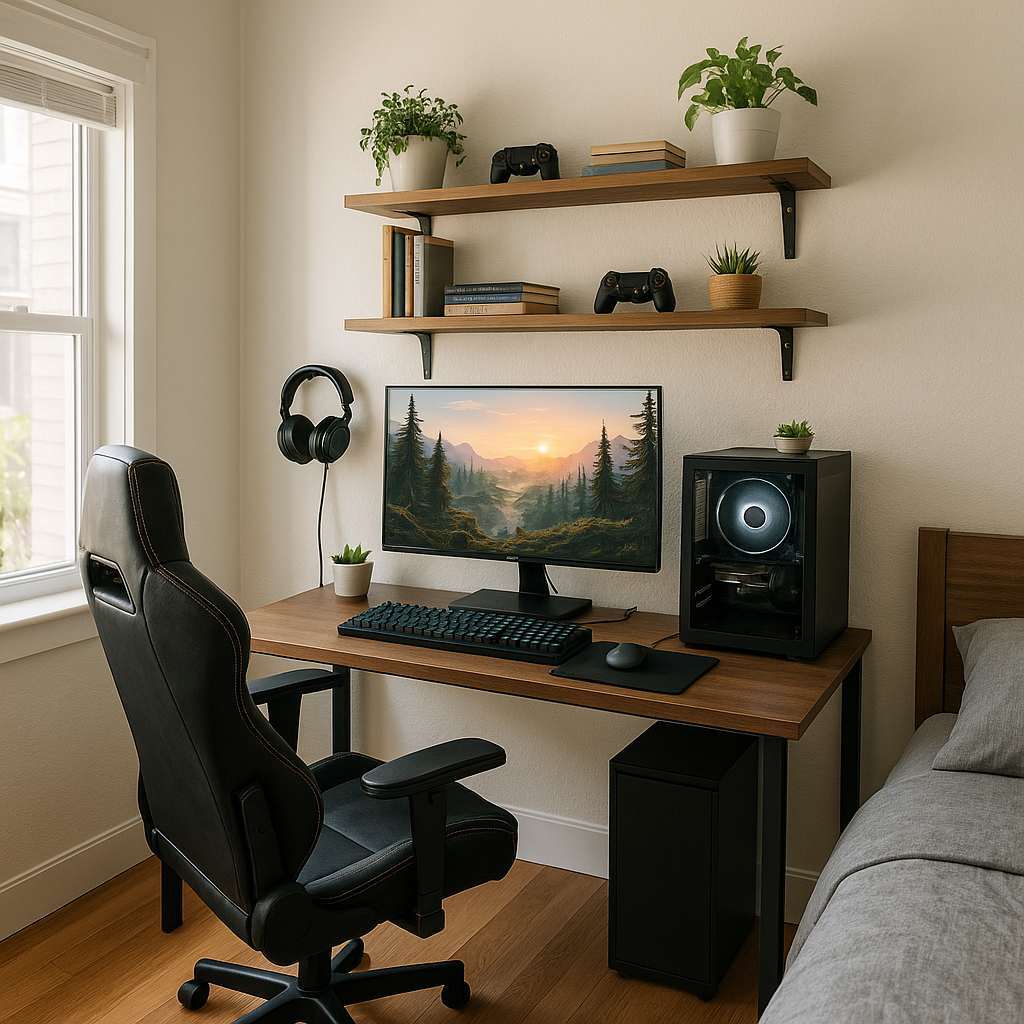
Quick Summary: Transform a small gaming room on a budget by choosing space-saving furniture, smart storage, layered lighting, and affordable soundproofing. Focus on a clear layout, multipurpose pieces, DIY decor, and smart tech upgrades to create a cozy, functional gaming space without overspending.
Hello — I’m Mila
Small gaming rooms can feel cramped, messy, or uninspired. You don’t need a giant budget to make a space that’s comfortable, stylish, and built for gaming.
I’ll walk you through straightforward, practical steps for small gaming room design ideas on a budget. Each idea is beginner-friendly and easy to apply, even if you rent or have limited tools.
Read on for layout tips, furniture picks, lighting and sound fixes, DIY projects, a budget planner, and quick shopping links. Let’s make your gaming nook epic without breaking the bank.
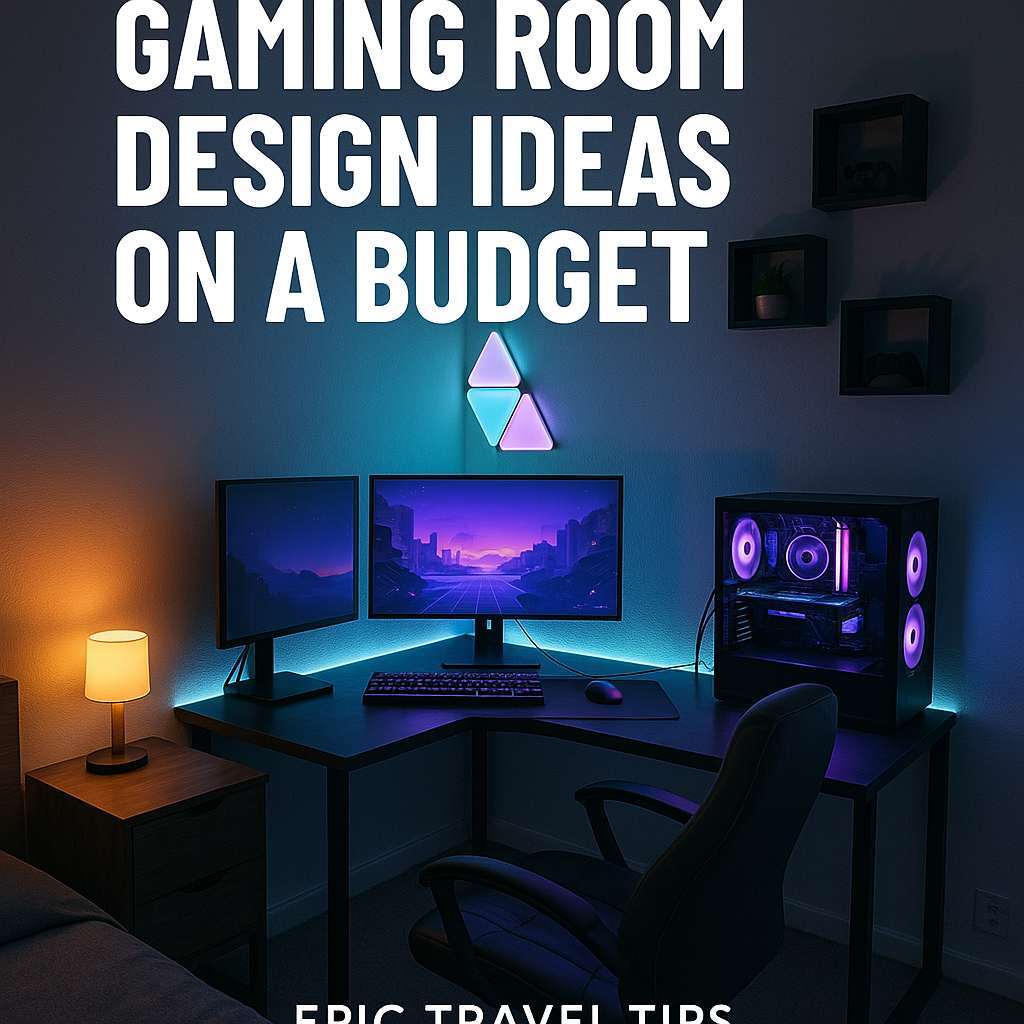
Why small space design is different — and why it’s easier than you think
Small rooms force a focused design. That’s a good thing. With fewer items, each choice matters. The goal is function first, then style.
Keep sightlines open, choose multipurpose furniture, and use light to make the room feel bigger. The result: a clutter-free zone that enhances gameplay.
Step-by-step plan: Build your budget-friendly gaming room
1. Measure and map your space (10–20 minutes)
Start with a simple floor plan. Measure width, length, door swings, and outlet locations. Draw a rough map on paper or use a free tool like RoomSketcher or the IKEA planner.
Listing exact measurements prevents buying the wrong-sized furniture and saves time and money.
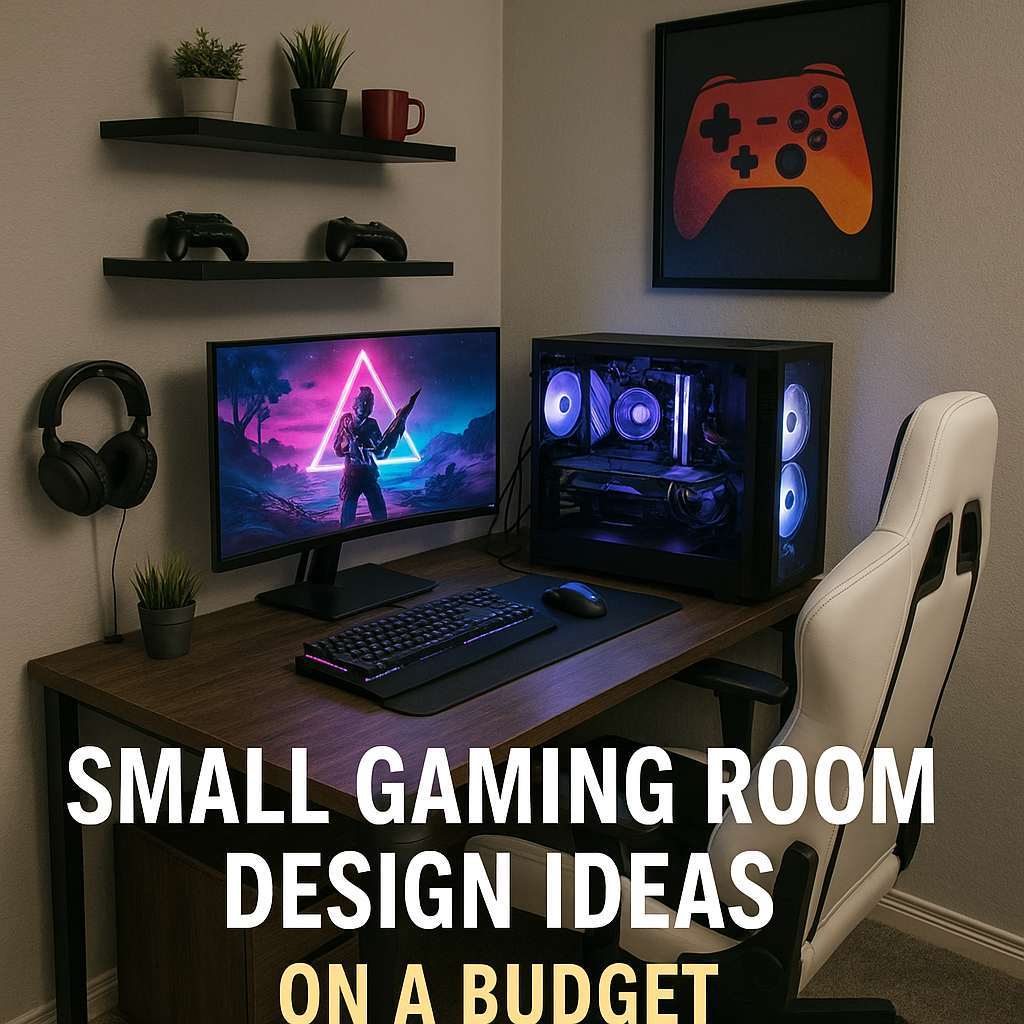
2. Choose a layout: three common setups
Pick the layout that fits your play style: single-player desk, console lounge, or dual setup. Keep pathways clear and avoid blocking windows.
- Desk against the wall — best for PC gamers and streamers.
- Floating desk — narrow desk centered on a wall with storage behind.
- Lounge corner — compact sofa or recliner + wall-mounted TV for consoles.
3. Smart furniture: buy less, do more
Opt for multipurpose and modular pieces. Small gaming room design ideas on a budget rely on furniture that works double duty.
- Compact desks with built-in shelves.
- Fold-down wall desks for ultra-small rooms.
- Storage ottomans and bench seating with hidden compartments.
| Piece | Why it helps | Budget tip |
|---|---|---|
| Wall-mounted desk | Saves floor space and looks clean | Buy one or build a plywood top + brackets |
| Floating shelves | Store games, controllers, décor off the floor | Use simple IKEA shelves or thrifted wood |
| Storage ottoman | Seating + hidden storage | Find on sale or reupholster a thrift find |
4. Declutter and prioritize gear
Less is better in a small gaming room. Keep only the consoles, controllers, and accessories you use regularly.
- Sort everything into keep, donate, recycle.
- Label cables and store spares in a small box.
- Consider digital-only games to reduce physical storage needs.
5. Storage solutions that don’t cost a lot
Good storage hides clutter and protects gear. Use vertical space and multifunctional items to stay on budget.
- Peel-and-stick hooks for headphones and controllers.
- Over-the-door organizers for cables and accessories.
- Stackable plastic bins under a desk for controllers and chargers.
6. Lighting: bright, layered, and affordable
Lighting changes how big a room feels. Use three layers: ambient, task, and accent lighting.
- Ambient: a bright overhead LED or flush mount.
- Task: desk lamp with adjustable arm for focused light.
- Accent: LED strips behind a monitor or under shelves for mood.
Tip: LED smart bulbs are inexpensive and let you change color or dim scenes without rewiring.
7. Sound control on a budget
You don’t need professional acoustic treatment to reduce echo and neighbor noise. Simple fixes work well in small rooms.
- Rugs and curtains absorb sound. A thick rug and heavy curtains help a lot.
- Bookshelves filled with books act as diffusers and storage.
- DIY acoustic panels: rockwool or insulation wrapped in fabric and mounted on the wall. For safety and building advice, check resources like your local university extension or the U.S. EPA for indoor air quality tips: EPA Indoor Air Quality.
8. Tech and cable management
Messy cables make small rooms feel chaotic. Tidy wiring for a cleaner look and better airflow for electronics.
- Velcro cable ties and adhesive cable clips are cheap and effective.
- Use a power strip with surge protection for all consoles and PCs.
- Label both ends of long cables with masking tape for easy swaps.
9. Decor that feels premium but costs less
Small changes create big visual impact. Keep decor focused and cohesive.
- One accent wall: paint or peel-and-stick wallpaper behind your monitor or TV.
- Framed prints or a single gallery wall with consistent frames for a tidy look.
- Plants add life and improve air quality — choose low-maintenance types like pothos or snake plant.
10. DIY projects for personality and savings
DIY is perfect for gamers: fast, affordable, and custom. Most projects are weekend-friendly and beginner-safe.
- Build a simple monitor shelf from plywood and paint it.
- Create a controller rack using wood slats or repurpose a spice rack.
- Install LED strips behind your TV/monitor for bias lighting to reduce eye strain.
Budget planner: estimate costs
This table shows typical budget ranges. Adjust for sales, thrift finds, and DIY to cut costs further.
| Item | Low cost | Mid cost | Notes |
|---|---|---|---|
| Desk | $30 (IKEA Linnmon-style, thrift) | $120 (sturdy compact desk) | Wall-mounted desks are cheaper and space-saving |
| Chair | $40 (basic office chair, second-hand) | $180 (ergonomic gaming chair) | Comfort matters—test before buying if possible |
| Storage (shelves/bins) | $10–$40 | $60–$120 | Floating shelves + storage boxes are budget wins |
| Lighting (LED strips + lamp) | $15–$40 | $60–$150 | Smart bulbs add flexibility, mid-cost if RGB |
| Acoustic fixes | $10–$50 | $75–$200 | Rugs/curtains are cheapest; DIY panels next |
Quick shopping list (budget-focused)
- Wall-mounted desk or compact desk
- Comfortable office chair or used gaming chair
- LED strip lights and a desk lamp
- Floating shelves and storage bins
- Rug, heavy curtains, and a couple of plants
- Velcro cable ties, adhesive hooks, surge protector
Small gaming room design ideas on a budget — layout examples
Here are three layout templates you can replicate. Each template has pros and cons so you can match it to your room and play habits.
| Layout | Best for | Pros | Cons |
|---|---|---|---|
| Corner Desk Setup | Single-player PC gamers | Uses corner space well, monitors feel immersive | Limited guests seating |
| Wall Desk + Floating Shelves | Streamers and space-savers | Clean look, lots of vertical storage | Wall mounting required |
| Lounge + Wall TV | Console players and casual groups | Comfortable seating, social-friendly | TV takes visual space; careful storage needed |
Energy and ventilation: keep gear cool
Small rooms can heat up fast. Good airflow keeps electronics lasting longer.
- Leave at least a few inches of clearance behind consoles and PCs.
- Use a small desk fan or ensure your HVAC vents aren’t blocked.
- For electrical safety, follow local code basics. The U.S. National Electrical Code guidance or your local housing authority can help if you’re unsure: HUD.
Where to save and where to invest
Not all items are equal. Spend where it affects comfort and longevity. Save on decor and splurges where it won’t improve gameplay.
- Invest: chair (comfort), surge protector, monitor/TV quality.
- Save: decorative items, expensive rugs (use a runner or thrifted), build-your-own shelves.
Quick DIY projects (easy, low-cost)
- Monitor shelf: plywood + brackets, painted in a bold color.
- Controller hangers: wood blocks + S-hooks or 3D printed mounts.
- Bias lighting: stick LED strips behind monitor for less eye strain.
Color and style choices that make the room feel larger
Choose a light main color to open the room visually. Add one or two darker accents for depth and gamer personality.
- Base: soft gray, off-white, or pale blue.
- Accent: deep teal, muted purple, or matte black.
- Textures: matte finishes, wood tones, and fabric to soften sound.
Checklist before you start building
- Measure the room and map outlets.
- Decide layout and buy the largest items first.
- Clear clutter and plan storage.
- Install lighting and cable management.
- Add decor, rugs, and plants last.
Resources and shopping tips
Use these tips to find deals and trustworthy info.
- Search local buy-and-sell apps for used furniture.
- Watch DIY tutorials for plywood projects; many community colleges and university extension sites offer safe-build advice.
- Compare warranty and return policies for electronics; manufacturers often list specs and safety info on .edu and .gov affiliated pages or retailer pages.
FAQs — Small gaming room design ideas on a budget
1. How do I make a small room feel bigger?
Keep walls light, use mirrors or reflective surfaces, choose slim furniture, and keep the floor clear. Good lighting and a single accent wall also help the space feel larger.
2. What’s the best cheap soundproofing for a gaming room?
Rugs, heavy curtains, and bookshelves with books absorb and break up sound. DIY acoustic panels wrapped in fabric are effective and lower cost than professional foam tiles.
3. Can I set up a good gaming station in a dorm or rental?
Yes. Use temporary solutions like command hooks, standing desks, and removable shelves. A fold-down wall desk or a compact desk fits most rooms and won’t damage walls if installed carefully.
4. How do I manage cables in a tiny space?
Use cable channels, adhesive clips, Velcro ties, and a single labeled power strip. Run cables along the back of furniture to keep them out of sight.
5. Should I buy a gaming chair or save and get an ergonomic office chair?
An ergonomic office chair often provides better support for long sessions and costs less than premium gaming chairs. Try both types in-store if possible.
6. How much should I budget to get a functional gaming room?
A basic, comfortable setup can start around $200–$400 using thrifted furniture and budget tech. A mid-range setup with new furniture and better lighting runs $600–$1,500 depending on your priorities.
7. Are LED lights harmful long-term?
LED lights are safe for home use. For eye comfort, use bias lighting behind screens and avoid overly bright direct LEDs in your field of view. If you have concerns about indoor air or lighting, check authoritative sources like the EPA: EPA.
Pros and cons summary
- Pros: Low cost to upgrade, fast to implement, improves comfort and performance.
- Cons: Limited space may require tough choices, some DIY needed to save money.
Final checklist to finish your small gaming room
- All cables secured and labeled.
- Gear placed with sufficient airflow.
- Lighting set for gaming and relaxing modes.
- Storage labeled and easy to reach.
- One personal decor piece that makes the room yours.
Conclusion
Designing a small gaming room on a budget is about smart choices, not expensive gear. Start with a clear plan, pick multipurpose furniture, and prioritize comfort and cable management.
Use light colors, layered lighting, and affordable soundproofing to make the space feel bigger and quieter. Add DIY touches and thrifted finds for personality without the price tag.
With a few focused changes, your small gaming room can be cozy, functional, and stylish — a place you’re proud to play and relax in. Ready to get started? Measure the room, pick a layout, and tackle one small project this weekend.