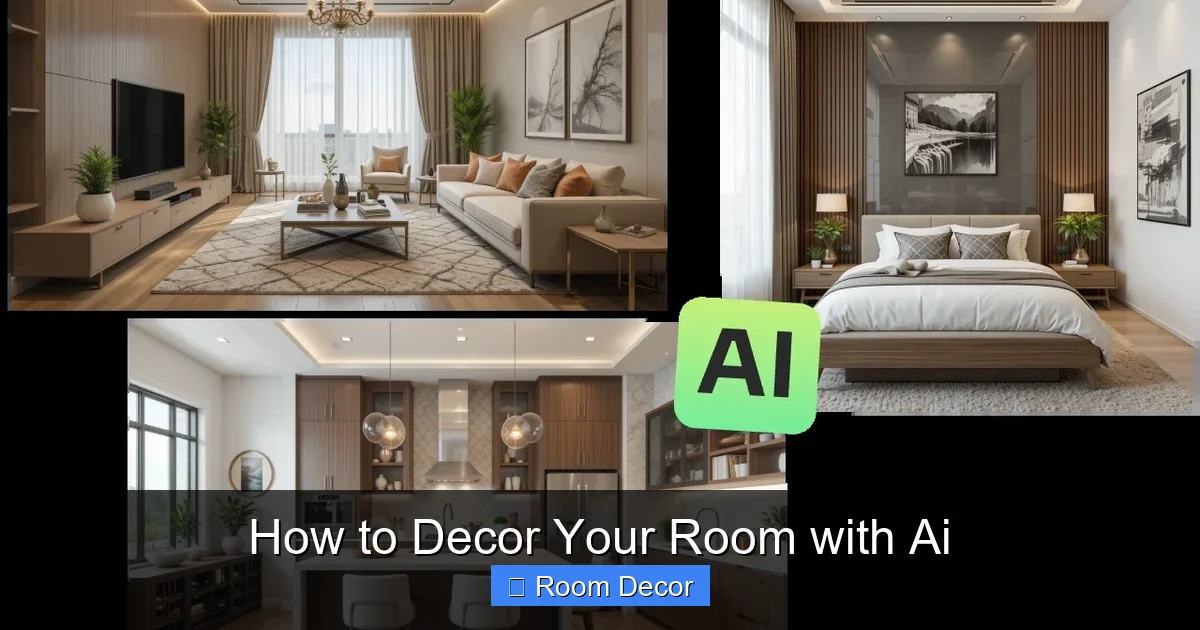
Ready to revolutionize your room decor? This guide shows you how to decor your room with AI, leveraging cutting-edge tools to generate personalized design concepts. From understanding your style to visualizing changes, AI can help you create a dream space. Unleash your creativity and achieve stunning results with this innovative approach to interior design.
Key Takeaways
- AI is a powerful tool for interior design inspiration, offering personalized suggestions and visualizations that go beyond traditional methods.
- Understanding your personal style is crucial for feeding AI the right prompts and getting accurate design recommendations.
- Utilizing AI image generators can help you visualize entire room concepts, specific furniture arrangements, and color palettes.
- AI design platforms offer advanced features like 3D room modeling and virtual staging for a more immersive design experience.
- Don’t be afraid to iterate and experiment; AI works best when you refine your prompts and explore various design directions.
- AI can assist in budgeting and sourcing by suggesting affordable alternatives and providing links to purchase recommended items.
- The future of decorating is collaborative, with AI acting as your intelligent design assistant to bring your vision to life.
How to Decor Your Room with AI
Are you tired of staring at the same old walls, yearning for a fresh new look for your room? Do you scroll through endless design magazines and online galleries, feeling overwhelmed by the sheer volume of choices? What if there was a way to tap into a personalized design assistant, one that understands your unique taste and can instantly generate stunning visuals of your dream space? Welcome to the exciting world of decorating with AI! In this comprehensive guide, you’ll learn exactly how to decor your room with AI, unlocking a universe of creative possibilities.
Gone are the days of struggling to translate abstract ideas into tangible design choices. Artificial intelligence is revolutionizing how we approach interior design, making it more accessible, efficient, and fun than ever before. Whether you’re looking for a complete room overhaul or just a few decorative tweaks, AI can be your ultimate design partner. We’ll walk you through the entire process, from understanding the basics to leveraging advanced AI tools, helping you create a space that truly reflects your personality and lifestyle.
Step 1: Define Your Style and Vision
Before you even think about touching an AI tool, the most crucial first step is to understand your own style and what you envision for your room. AI is a powerful assistant, but it needs clear direction. The better you can articulate your desires, the more accurate and helpful the AI’s suggestions will be.
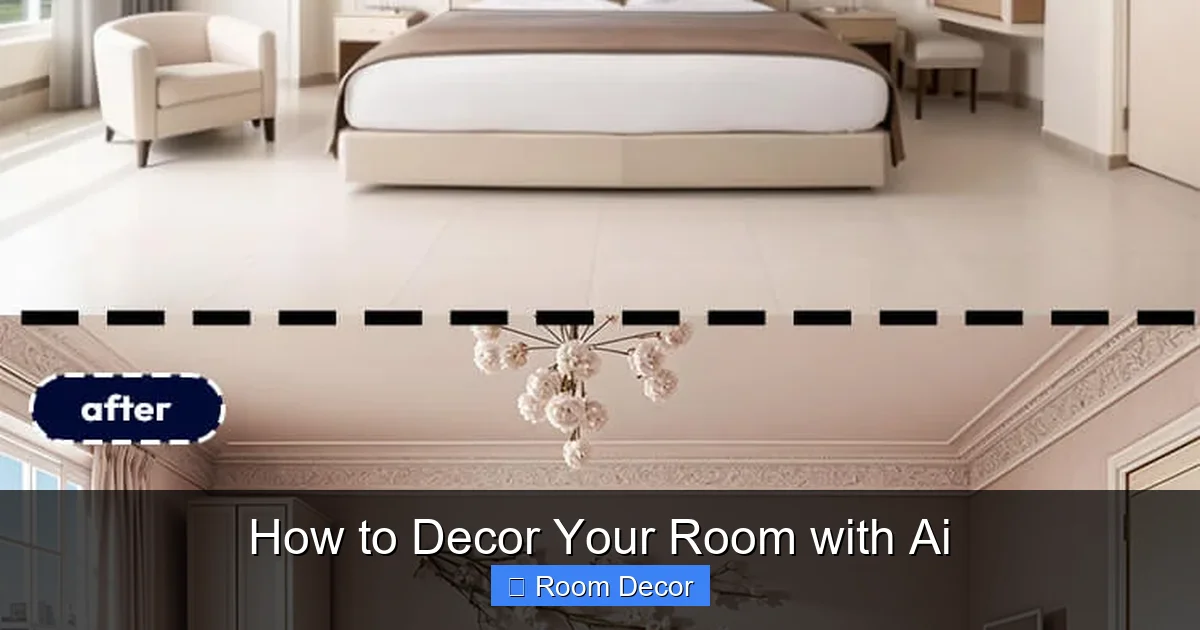
Visual guide about How to Decor Your Room with Ai
Image source: blog.pincel.app
H3: Gather Inspiration
Think about what you love. What colors, textures, and moods do you gravitate towards? Browse platforms like Pinterest, Instagram, or design blogs and save images that catch your eye. Don’t just focus on entire rooms; look at individual elements like furniture styles, lighting fixtures, artwork, or accent pieces. Consider what you like about each image.
- Colors: Do you prefer bold and vibrant, or calm and muted? Warm tones or cool tones?
- Furniture: Modern and minimalist, or cozy and traditional?
- Materials: Do you like natural wood, sleek metal, soft fabrics?
- Atmosphere: Do you want your room to feel energetic, relaxing, sophisticated, or playful?
H3: Identify Your Needs and Functionality
Beyond aesthetics, consider how you use the room. Is it a primary living space, a bedroom for rest, a home office for productivity, or a combination? This will influence furniture choices, layout, and storage solutions.
- For a bedroom: Focus on comfort, relaxation, and storage for clothes and personal items.
- For a living room: Prioritize seating arrangements, entertainment areas, and a welcoming atmosphere.
- For a home office: Think about ergonomic furniture, good lighting, and organization.
H3: Create Mood Boards
Once you have a collection of inspiring images, start organizing them. Digital mood boards (using tools like Canva or Pinterest’s board feature) are excellent for this. Group similar styles, colors, and furniture pieces together. This visual representation will be invaluable when you start interacting with AI.
Step 2: Choose Your AI Tools
The world of AI is rapidly expanding, and there are several types of tools you can use to decor your room. Each offers different capabilities, so choose what best suits your needs and technical comfort level.
Visual guide about How to Decor Your Room with Ai
Image source: jnack.com
H3: AI Image Generators
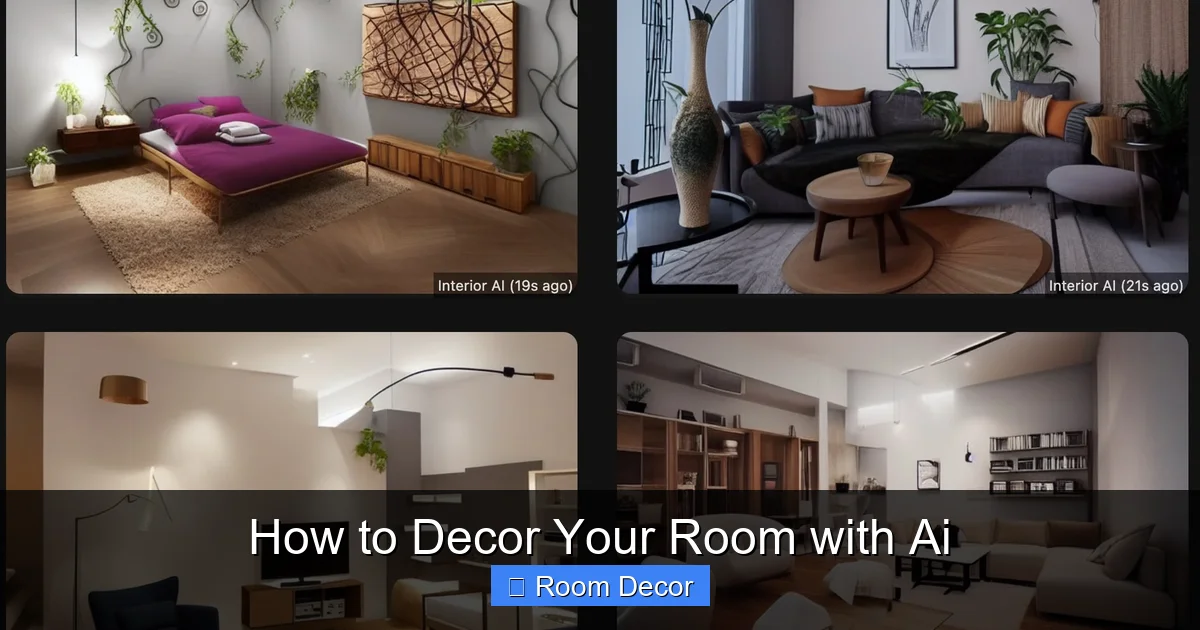
These tools, like Midjourney, DALL-E 2, or Stable Diffusion, are fantastic for generating visual concepts based on text descriptions (prompts). You can describe your ideal room, and the AI will create images of it.
- Pros: Highly creative, can generate unique visuals, great for exploring abstract ideas.
- Cons: Requires skill in prompt engineering, less interactive for fine-tuning details in real-time.
H3: AI Interior Design Platforms
These platforms are specifically built for interior design. They often allow you to upload a floor plan or sketch your room, then use AI to suggest furniture, color schemes, and layouts. Examples include Homestyler, Planner 5D (with AI features), and Interior AI.
- Pros: User-friendly, offer 2D/3D visualization, can often incorporate existing room dimensions, some can suggest specific products.
- Cons: May have a learning curve, customization options can vary.
H3: AI-Powered Room Planners/Visualizers
Some apps allow you to take a photo of your room and then use AI to virtually “redecorate” it. You can try out different paint colors, furniture, and decor items to see how they look before committing. Examples include RoomScan Pro, IKEA Place (for IKEA products), and various AR apps.
- Pros: Highly practical for seeing how items will look in your actual space, easy to use.
- Cons: Limited to the types of furniture and decor offered by the app, might not be as creatively expansive.
Step 3: Craft Your AI Prompts (For Image Generators)
If you’re using an AI image generator, the art of prompt engineering is key. A well-crafted prompt will yield far better results than a vague one. Think of yourself as guiding a very literal artist.
Visual guide about How to Decor Your Room with Ai
Image source: cdn.analyticsvidhya.com
H3: Be Specific and Descriptive
Include details about the style, colors, furniture, lighting, and overall mood. Use keywords from your mood boards.
- Bad prompt: “Make a living room.”
- Good prompt: “A cozy Scandinavian living room with a light grey sofa, natural wood accent tables, a large textured rug in cream and beige, soft ambient lighting from a floor lamp, and large windows overlooking a forest. Walls in a warm off-white. Minimalist decor with a few potted plants.”
H3: Specify Room Type and Size
Mention if it’s a small bedroom, a spacious living room, etc.
H3: Describe Materials and Textures
Use words like “velvet,” “linen,” “brushed metal,” “distressed wood.”
H3: Define Lighting and Atmosphere
Is it bright and airy, dim and moody, or warm and inviting? Mention “natural light,” “task lighting,” “ambient glow.”
H3: Experiment with Styles
Combine styles if you wish, like “Bohemian Industrial Loft” or “Art Deco Glamour.”
H3: Add Negative Prompts (If Available)
Some tools allow you to specify what you *don’t* want. For example, “–no clutter” or “–no busy patterns.”
Example Prompt Journey:
- Initial idea: “I want a colorful, modern bedroom.”
- First prompt: “A modern bedroom with bold colors.” (Likely too generic)
- Refined prompt: “A modern bedroom with teal and burnt orange accents. A queen-sized bed with a geometric patterned duvet. Walls are a soft grey. Minimalist furniture. Natural light from a large window. Atmosphere is energetic yet restful.”
- Further refinement based on generated images: If the AI produced too much furniture, add “minimal furniture.” If you wanted more natural light, add “bright natural light.”
Step 4: Utilize AI Design Platforms for Visualization
For a more structured approach, AI design platforms are excellent. They allow you to build or import your room and then actively design within it.
H3: Upload or Create Your Floor Plan
Most platforms allow you to draw your room’s layout, add doors and windows, or upload an existing floor plan. Be as accurate as possible with dimensions.
H3: Experiment with Furniture Placement
Drag and drop furniture items from the platform’s library. AI can often suggest optimal layouts based on room shape and function. You can visualize different arrangements to see what works best.
H3: Test Color Schemes and Materials
Virtually paint your walls, select flooring options, and preview different fabric textures for sofas and chairs. AI can suggest harmonious color palettes.
H3: Add Decor and Accessories
Place rugs, artwork, lamps, and decorative objects. Many platforms offer a vast library of items to choose from.
H3: Generate 3D Views and Walkthroughs
The real magic happens when you can see your room in 3D. These platforms allow you to explore your design from every angle, giving you a realistic sense of space and flow.
Step 5: Iterate and Refine
Decorating with AI isn’t a one-and-done process. It’s an iterative journey. The first results might not be perfect, and that’s okay.
H3: Review and Analyze AI Outputs
Look critically at the images or 3D models the AI generates. What do you like? What don’t you like? Does it align with your original vision?
H3: Adjust Your Prompts or Selections
If using an image generator, tweak your prompts. If using a design platform, try different furniture, colors, or layouts. This is where your initial mood board and style definition become invaluable for guiding your adjustments.
H3: Combine Ideas from Different Tools
You might use an AI image generator for broad concept inspiration and then use an AI design platform to refine the layout and select specific furniture items.
H3: Seek Feedback (Optional)
Show your AI-generated designs to friends or family for their opinions. Sometimes an outside perspective can highlight things you missed.
Step 6: Practical Implementation and Sourcing
Once you have a design you love, it’s time to bring it to life.
H3: Budgeting with AI
Some advanced AI design tools can estimate costs or even suggest budget-friendly alternatives to designer pieces. If not, you can use your AI-generated visuals as a guide for shopping.
H3: Sourcing Furniture and Decor
Many AI platforms integrate with e-commerce sites, allowing you to directly purchase items you see in your design. If not, use the visual references to search for similar items online or in stores.
- Tip: If the AI suggests a specific, high-end item, try searching for “similar style [item name]” to find more affordable options.
H3: DIY and Customization
AI can also inspire DIY projects. If you see a unique feature you like, research how you might be able to create a similar effect yourself. For example, if the AI generates a custom-painted accent wall, you can use that as inspiration for your own painting project.
Troubleshooting Common AI Design Challenges
While AI is incredibly powerful, you might encounter a few hiccups along the way.
H3: Generic or Repetitive Results
Problem: The AI keeps generating similar-looking rooms.
Solution: Be more specific in your prompts. Introduce unique keywords, mention specific artists or designers for inspiration, or try a different AI tool.
H3: Unrealistic Proportions or Layouts
Problem: The AI creates furniture that’s too large or a layout that doesn’t make sense.
Solution: Use AI design platforms with floor planning capabilities for better control. For image generators, try adding “realistic proportions” or “functional layout” to your prompts.
H3: Difficulty Translating 2D to 3D
Problem: The 2D designs look good, but the 3D visualization is off.
Solution: Double-check your room dimensions in the AI platform. Ensure you’re using a tool that excels at 3D rendering if that’s a priority.
H3: AI Misinterprets Your Intent
Problem: The AI doesn’t seem to understand the style or mood you’re aiming for.
Solution: Break down your request into simpler terms. Try using more descriptive adjectives and be explicit about the feelings you want the room to evoke.
Conclusion: Embrace Your AI-Powered Design Journey
Decorating your room with AI is more than just a trend; it’s a revolutionary way to unlock your interior design potential. By following these steps, you can move from vague ideas to stunning, personalized room designs with unprecedented ease and creativity. AI tools empower you to explore endless possibilities, visualize concepts before committing, and ultimately create a space that you truly love.
Remember, the AI is your assistant, not the sole decision-maker. Your personal taste, lifestyle, and comfort are paramount. Use AI to inspire you, to overcome design blocks, and to bring your most ambitious ideas to fruition. So, dive in, experiment, and have fun! You’re about to embark on an exciting journey to decor your room with AI and create a sanctuary that perfectly reflects who you are.