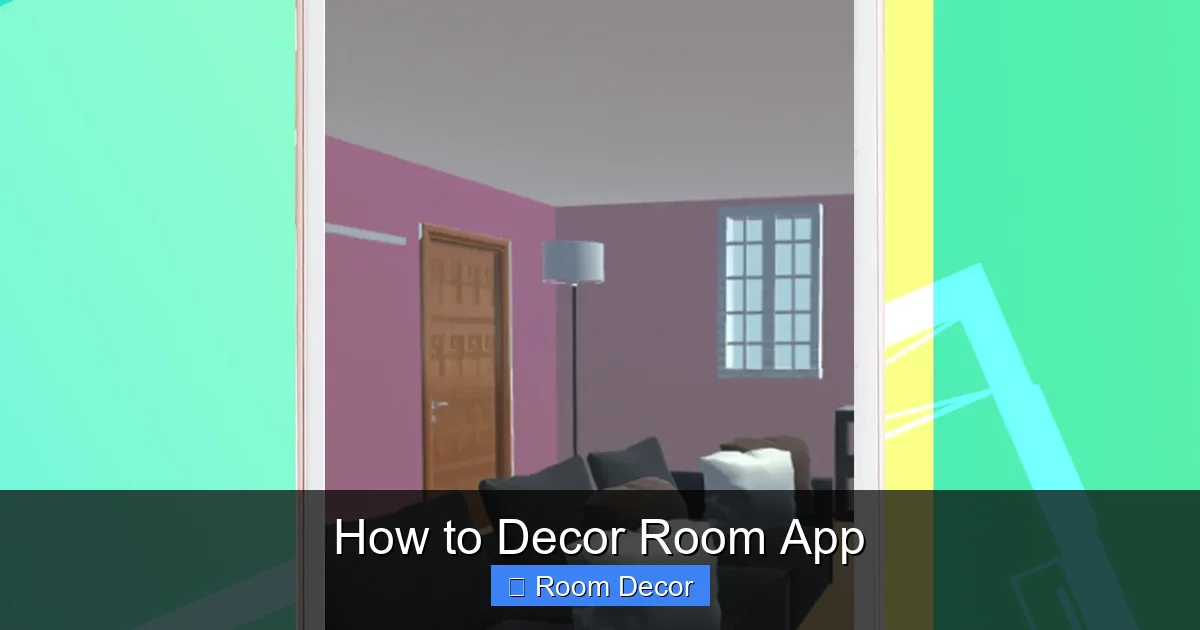
Transform your living space with ease using a room decor app! This comprehensive guide will show you how to navigate these powerful tools, from initial room scanning to final design visualization. Learn to experiment with furniture, colors, and styles risk-free, making decorating fun and accessible. Get ready to create your perfect room with confidence and creativity.
Designing your dream room used to be a daunting task. You’d spend hours flipping through magazines, sketching ideas, and guessing how that sofa would look in your living room. But what if you could try out every design idea, every paint color, and every piece of furniture without lifting a finger or spending a dime? That’s where the magic of “How to Decor Room” apps comes in.
These incredible applications are revolutionizing interior design, making it accessible and enjoyable for everyone. Whether you’re a seasoned decorator or a complete beginner, a room decor app can be your ultimate design partner. This guide will walk you through everything you need to know to master these powerful tools and bring your interior design visions to life. You’ll learn how to scan your room, experiment with countless design elements, and visualize your perfect space before you make any real-world changes.
Ready to transform your home? Let’s dive in!
Key Takeaways
- Master the Basics: Understand how room decor apps work, from 3D modeling to augmented reality, to effectively plan your design.
- Accurate Room Mapping: Learn essential techniques for accurately scanning and measuring your room to ensure realistic design placements.
- Furniture & Style Exploration: Discover how to effectively use app libraries to browse, select, and visualize different furniture pieces and decor styles.
- Color Palette Mastery: Gain insights into using the app to experiment with various color schemes and see how they impact your room’s ambiance.
- Augmented Reality Magic: Leverage AR features to virtually place furniture and decor items in your actual room, offering a true-to-life preview.
- Save & Share Your Designs: Learn how to save your design iterations and share them with others for feedback or inspiration.
Understanding Your Room Decor App
Before you can start decorating, it’s crucial to understand the core functionalities of your chosen room decor app. Most apps operate on a few fundamental principles, often combining 2D floor planning with 3D visualization and sometimes augmented reality (AR).
The Two Main Pillars: 2D and 3D
Most room decor apps offer two primary ways to interact with your space:
* 2D Floor Plan: This is like drawing your room on paper. You’ll often start by inputting the dimensions of your walls, doors, and windows, or by using the app’s tools to draw these out. This forms the foundation of your design. It’s excellent for understanding the layout and flow of your room.
* 3D Visualization: Once you have your 2D floor plan, the app can render it into a three-dimensional model. This allows you to see your room from different angles, walk through it virtually, and get a much better sense of scale and proportion.
Augmented Reality (AR) – The Game Changer
Many modern room decor apps integrate augmented reality. This feature uses your smartphone or tablet’s camera to overlay digital objects onto your real-world environment. Imagine pointing your phone at your living room and seeing a virtual sofa placed exactly where you’re considering putting it. This is AR in action, offering an unparalleled level of realism and confidence in your design choices.
Getting Started: Setting Up Your Digital Room

Visual guide about How to Decor Room App
Image source: patternsdaily.com
The first step to decorating with an app is to get your room into the digital world accurately. This is a crucial stage, as the accuracy of your digital model will directly impact the effectiveness of your design experiments.
Scanning or Drawing Your Room
Most apps offer a few methods for capturing your room’s dimensions:
* Manual Input: This is the most basic method. You’ll need to take measurements of your walls, doorways, and windows with a tape measure and then input these figures into the app. Be precise! Even a small error can affect the proportions of your digital room.
* Room Scanning Tools: Many advanced apps have built-in room scanning features. These often use your device’s camera and sensors to automatically map out your room’s dimensions and even detect furniture. Follow the on-screen prompts carefully. You’ll typically need to move your device around the perimeter of the room.
* Importing Floor Plans: Some apps allow you to import existing floor plans (e.g., from a PDF or image file) and then trace over them to create your digital model.
Practical Tip: If you’re manually measuring, measure twice and enter once! For room scanning, ensure good lighting and try to move your device at a consistent pace without sudden jerks.
Adding Architectural Features
Once your basic room outline is in place, you’ll need to add essential architectural elements:
* Doors and Windows: Accurately place doors and windows according to their real-world positions and sizes. This is vital for understanding light flow and furniture placement options.
* Stairs and Other Elements: If your room has stairs, fireplaces, or built-in features, make sure to add them to your digital model.
Populating Your Room: Furniture and Decor

Visual guide about How to Decor Room App
Image source: decorilla.com
This is where the real fun begins! Room decor apps offer vast libraries of furniture, decor items, and materials to bring your vision to life.
Browsing the Furniture Catalog
Most apps feature extensive catalogs, often categorized by room type (living room, bedroom, kitchen) and furniture type (sofas, tables, beds, chairs).
* Search and Filter: Use the search and filter functions to find specific items. You can usually filter by style (modern, rustic, traditional), brand, color, and dimensions.
* View Item Details: When you select an item, you’ll often see details like its dimensions, available colors, and even the actual retail price (if the app partners with retailers).
Placing and Arranging Furniture
Once you’ve found a piece you like, you can drag and drop it into your 2D or 3D room.
* Positioning: Use your mouse or touch controls to move, rotate, and resize furniture. Pay attention to scale – does the sofa look too big or too small for the space?
* Snap-to-Grid/Wall: Many apps offer snapping features that help you align furniture neatly against walls or other objects, creating a more professional look.
* Create Layouts: Experiment with different furniture arrangements. Try placing the sofa facing the TV, or create a cozy reading nook by a window.
Example: In your living room app, you find a sleek, modern sectional sofa. You drag it into the center of your room, then rotate it to face the wall where you plan to put your television. You might then add a coffee table in front of it and two accent chairs flanking the sofa.
Exploring Decor Items and Accessories
Don’t forget the details that make a room feel complete!
* Rugs: Add rugs to define areas and add texture.
* Lighting: Place floor lamps, table lamps, and ceiling fixtures to see how they impact the mood.
* Wall Art and Decor: Hang pictures, mirrors, and shelves to add personality.
* Plants: Introduce greenery for a touch of nature.
Mastering Color and Materials

Visual guide about How to Decor Room App
Image source: countryliving.cdnds.net
Color is one of the most powerful tools in interior design, and room decor apps make it incredibly easy to experiment.
Painting Walls and Surfaces
* Select Paint Tool: Most apps have a dedicated paint tool. You can select individual walls or entire rooms to paint.
* Color Palettes: Explore vast color libraries. Some apps offer curated palettes or the ability to pick colors from a color wheel.
* Visualize Sheens: Advanced apps might even allow you to choose different paint sheens (matte, satin, gloss) to see how they reflect light.
Practical Tip: Don’t be afraid to try bold colors! If you don’t like it, you can change it in seconds. Consider painting an accent wall to add depth and interest without overwhelming the space.
Changing Flooring and Textures
* Flooring Options: Swap out existing flooring for hardwood, tile, carpet, or laminate.
* Textiles: Apply different fabric textures to upholstery, curtains, and rugs. This can dramatically change the feel of the room, from cozy to luxurious.
Example: You’ve painted your living room walls a soft gray. Now, you decide to try a deep navy accent wall behind your sofa. You can instantly see how this bold choice impacts the room’s overall feel. You might then experiment with a textured rug in cream and some warm wood tones for furniture.
Leveraging Augmented Reality (AR) for Realistic Previews
Augmented reality takes your design process to the next level by bringing your digital creations into your physical space.
Activating AR Mode
* Device Compatibility: Ensure your smartphone or tablet supports AR (most modern devices do).
* Initiate AR: Look for an “AR Mode” or “View in Room” button within the app.
* Scan Your Space: The app will prompt you to scan your room by moving your device around. This helps the app understand the dimensions and surfaces of your actual room.
Placing Virtual Objects
* **Drag and Drop into Reality:** Once your space is scanned, you can select furniture and decor items from the catalog and virtually place them in your room by tapping on the screen.
* **Real-World Scale:** AR allows you to see how furniture will actually look and fit in your space. You can walk around the virtual object, view it from different angles, and get a true sense of its scale.
* **Test Different Options:** Try placing that large sectional sofa you were unsure about, or see how that bold armchair looks next to your current furniture.
Example: You’re considering a new dining table. In AR mode, you point your phone at your dining area and select a virtual table from the app. You can then place it on your floor and see if it fits comfortably with enough space to pull out chairs.
Saving, Sharing, and Refining Your Designs
The beauty of using a room decor app is the ability to iterate and explore without commitment.
Saving Design Projects
* Multiple Iterations: Save different design ideas as separate projects or versions. This allows you to compare them side-by-side.
* Cloud Storage: Many apps offer cloud storage, so you can access your designs from multiple devices.
Sharing Your Vision
* Get Feedback: Share your designs with friends, family, or even professional designers for their input. Most apps allow you to export images or share a link to your project.
* Inspiration Boards: Use the saved designs as part of your own inspiration boards.
Refining Your Design
As you experiment, you’ll naturally refine your ideas. The app makes it easy to make adjustments, swap out items, and perfect your layout until you’re completely satisfied.
Troubleshooting Common Issues
Even the best apps can sometimes present challenges. Here are a few common issues and how to solve them.
Inaccurate Room Measurements
* Problem: Furniture doesn’t fit correctly, or the proportions look off.
* Solution: Re-scan your room or re-enter your measurements, ensuring greater precision. Check for any obstructions that might have confused the scanner.
AR Not Working Properly
* Problem: Virtual objects are jittery, floating, or not anchoring to the floor.
* Solution: Ensure your device’s AR capabilities are updated and that your device meets the app’s requirements. Try scanning in a well-lit area with distinct surfaces. Restarting the app or your device can also help.
App is Slow or Unresponsive
* Problem: The app freezes or takes a long time to load.
* Solution: Close and reopen the app. Ensure your device has enough storage space and is running the latest operating system updates. If the issue persists, try uninstalling and reinstalling the app.
Finding Specific Items
* Problem: You can’t find the exact piece of furniture you’re looking for.
* Solution: Use broader search terms. Explore similar styles or brands. If the app allows, try to find items that are close and then adjust their color or texture as much as possible. Some apps might integrate with online retailers, allowing you to search their inventory.
Conclusion
Room decor apps have democratized interior design, putting professional-level planning tools right into your hands. By following these steps, you’ll be well on your way to mastering your chosen app and creating spaces that truly reflect your style and needs. Remember, the key is to experiment, have fun, and use the app as your creative playground. Don’t be afraid to try new things, and trust your instincts. With the power of these digital tools, your dream home is closer than you think. Happy decorating!