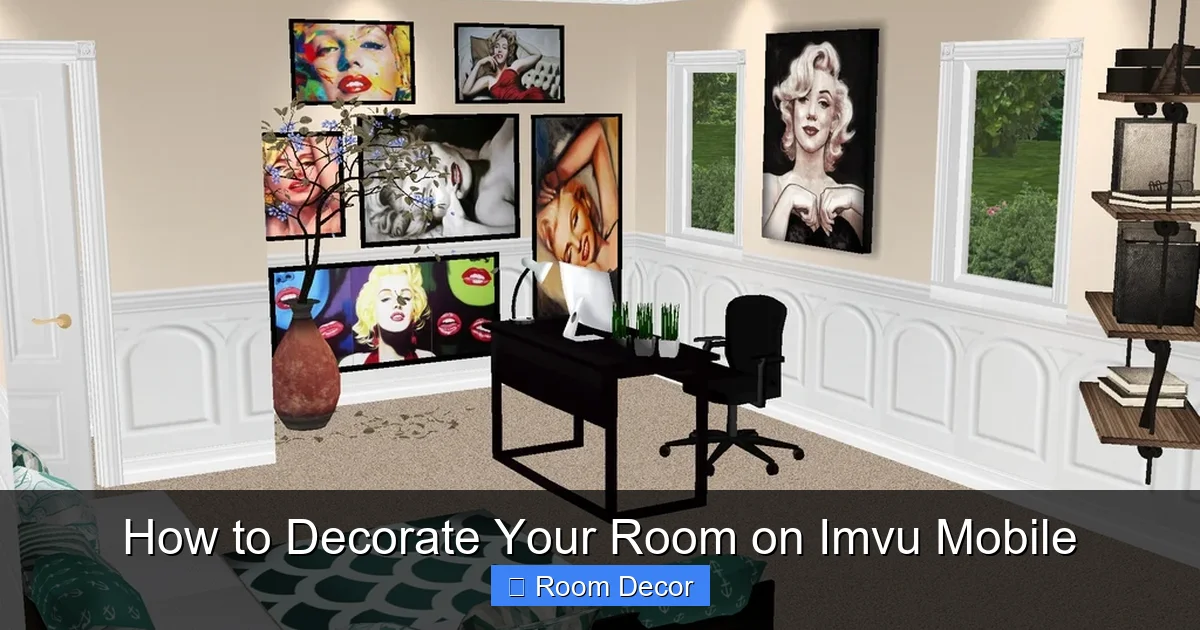
Unleash your creativity and transform your virtual space on IMVU Mobile with this comprehensive guide. We’ll walk you through everything from understanding the interface to placing furniture, adding decorative items, and setting the perfect ambiance for your IMVU room. Mastering IMVU room decoration is now easier than ever, allowing you to express your unique style and impress your friends.
How to Decorate Your Room on Imvu Mobile
Welcome, virtual decorator! Are you ready to transform your empty IMVU Mobile room into a personalized sanctuary or a vibrant social hub? IMVU Mobile offers a fantastic way to express yourself and connect with others through beautifully designed spaces. Whether you’re aiming for a cozy, minimalist retreat or a dazzling, party-ready lounge, this guide will equip you with the knowledge and tips to make your IMVU room shine. We’ll take you through every step, from understanding the tools at your disposal to adding those final touches that make a room truly yours. Get ready to dive into the exciting world of IMVU room decoration!
Key Takeaways
- Master the Interface: Familiarize yourself with the IMVU Mobile room editor, including the navigation controls, catalog access, and placement tools.
- Furnish with Style: Learn how to effectively browse, purchase, and place furniture items to create a functional and aesthetically pleasing space.
- Accessorize for Ambiance: Discover the power of decorative items, from wall art and plants to lighting, to inject personality and mood into your room.
- Utilize Room Layouts: Understand different room shapes and sizes and how to adapt your decoration strategy to optimize the space.
- Explore Lighting and Effects: Learn how to use lighting options and special effects to enhance the atmosphere and visual appeal of your IMVU room.
- Troubleshooting Common Issues: Get tips on how to resolve common problems like item clipping, lag, and layout challenges.
- Express Your Unique Style: Ultimately, the goal is to create a space that reflects your personal taste and makes your IMVU experience more enjoyable.
Getting Started with Your IMVU Room
Before you can start placing furniture and adding decorations, it’s essential to get acquainted with the IMVU Mobile interface for room decoration. Don’t worry, it’s quite intuitive once you know where to look!
Accessing Your Room
First things first, you need to be in your room!
- Open the IMVU Mobile app on your device.
- Navigate to your profile or the “Rooms” section.
- Select the room you wish to decorate. If you don’t have a room yet, you’ll need to purchase one from the IMVU Shop within the app.
- Once inside your room, you should see an option to “Edit Room” or a similar button. Tap on it to enter the decoration mode.
Understanding the Decoration Interface
The decoration interface is your creative playground. Here’s a breakdown of the key elements you’ll encounter:
- Navigation Controls: You’ll typically use swipe gestures to pan, zoom, and rotate your view of the room. This allows you to see your room from all angles.
- Catalog Button: This is where all the magic happens! Tapping the catalog icon will open up a vast selection of furniture, decor, and other items you can purchase and use in your room.
- Placement Tools: Once you’ve selected an item, you’ll see tools to move, rotate, and sometimes scale it. Pay close attention to these as they are crucial for proper placement.
- Item List: When you’re in edit mode, you might see a list of items already placed in your room. This can be helpful for managing or removing existing decorations.
Browsing and Acquiring Decorations
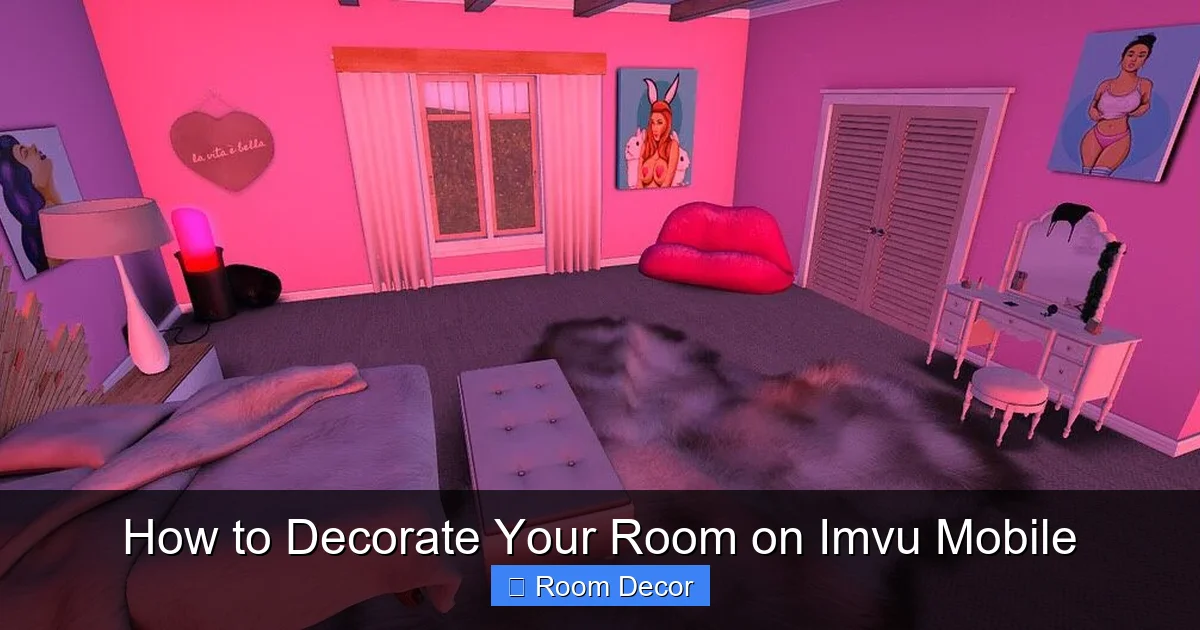
Visual guide about How to Decorate Your Room on Imvu Mobile
Image source: i.pinimg.com
The IMVU Catalog is a treasure trove of virtual goodies. Learning how to navigate it effectively is key to finding the perfect pieces for your room.
Navigating the Catalog
The IMVU Catalog is organized into various categories to make your search easier.
- Tap the Catalog button to open it.
- You’ll usually find categories like “Furniture,” “Decorations,” “Rooms,” “Lighting,” and more.
- Within these categories, you can further filter by style, color, or specific item types (e.g., sofas, tables, plants).
- Use the search bar if you have a specific item or style in mind. Type in keywords like “modern sofa,” “floral wallpaper,” or “disco ball.”
Purchasing Items
Once you’ve found something you love, you’ll need to purchase it.
- Tap on an item to view its details and preview it.
- If you like it, tap the “Buy” or “Add to Cart” button. You’ll need credits, IMVU’s virtual currency, to make purchases.
- Ensure you have enough credits in your account. If not, you can purchase credits through the app.
Placing Furniture to Build Your Foundation
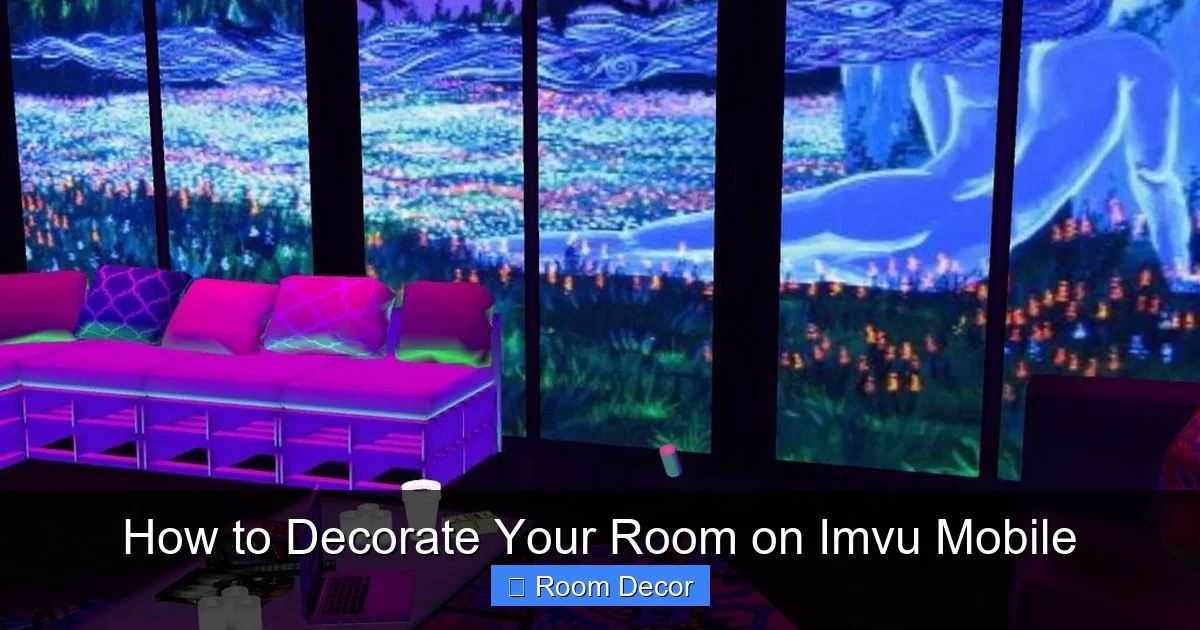
Visual guide about How to Decorate Your Room on Imvu Mobile
Image source: i.pinimg.com
Furniture is the backbone of any room. Strategic placement can make your space feel both functional and inviting.
Selecting and Placing Furniture
This is where your design vision starts to take shape.
- Open your catalog and select a furniture item (e.g., a sofa, bed, or table).
- The item will appear in your room. Use the on-screen controls to move it around.
- Tip: Start with the largest pieces of furniture first. This helps establish the main zones of your room. For example, place your sofa and coffee table before adding smaller accent chairs.
Rotating and Aligning Furniture
Getting the orientation right is crucial for a polished look.
- After selecting a piece of furniture, look for a rotation tool. This is often a circular arrow or a slider.
- Rotate the furniture until it faces the desired direction. For instance, you’ll want your sofa to face a TV or a conversation area.
- Tip: Try to align furniture pieces with walls or with each other. This creates a sense of order and intentionality. Use the grid or snapping features if available in the editor for perfect alignment.
Understanding Furniture Placement Zones
Different furniture pieces have specific intended placements.
- Seating: Sofas, chairs, and couches are best placed in conversational groupings. Consider where people would naturally sit and interact.
- Tables: Coffee tables should be placed in front of sofas, while dining tables are the centerpiece of a dining area. Side tables are perfect next to seating for placing lamps or decor.
- Beds: In bedrooms, the bed is typically the focal point. Place it against a wall, often with bedside tables on either side.
- Tip: Don’t be afraid to experiment! Sometimes placing furniture in an unexpected way can create a unique and stylish look.
Adding Decorative Items for Personality
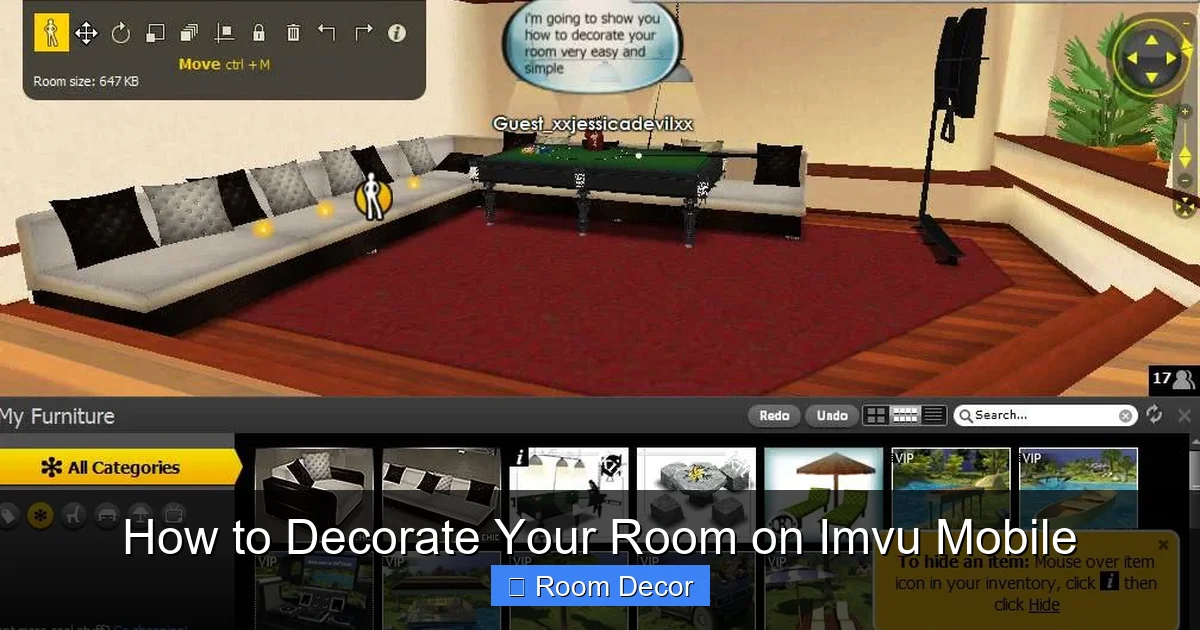
Visual guide about How to Decorate Your Room on Imvu Mobile
Image source: i.ytimg.com
Furniture sets the stage, but decorative items bring your IMVU room to life with color, texture, and character.
Wall Decorations: Art and Beyond
Transform blank walls into focal points.
- Browse the “Decorations” or “Wall Decor” categories in the catalog.
- You’ll find everything from framed art and mirrors to tapestries and posters.
- Select an item, and then use the placement tools to position it on a wall. You can often adjust the height and distance from corners.
- Tip: Consider the color scheme of your room when choosing wall art. A bold piece can add a pop of color, while a more subtle one can complement existing tones.
Floor Decorations: Rugs, Plants, and More
Add visual interest and coziness to your floors.
- Look for items like rugs, potted plants, sculptures, or even pet accessories.
- Place rugs to define seating areas or add warmth.
- Plants can bring life and a touch of nature into your virtual space.
- Tip: Layering rugs can create a rich, textured look. Make sure they don’t overlap too much to avoid a cluttered appearance.
Tabletop and Shelf Decorations
These small touches make a big difference.
- Think about items like lamps, vases, books, photo frames, or knick-knacks.
- Place these on coffee tables, side tables, shelves, or mantels.
- Tip: Group items in odd numbers (e.g., three items) for a more aesthetically pleasing arrangement. Vary the heights and textures of these items for visual appeal.
Creating Ambiance with Lighting and Effects
Lighting and special effects are powerful tools for setting the mood and enhancing the overall atmosphere of your IMVU room.
Choosing the Right Lighting
Lighting can dramatically change how a room feels.
- IMVU rooms often come with default lighting, but you can often purchase and place additional light sources.
- Explore categories like “Lamps,” “Chandeliers,” “Spotlights,” or “Fairy Lights.”
- Consider the function of the room. Soft, warm lighting is great for bedrooms and cozy living areas, while brighter, more focused lighting might be suitable for workspaces or gaming rooms.
- Tip: Use a combination of overhead lighting and accent lighting (like table lamps or floor lamps) to create depth and interest. Dimmer controls, if available, offer flexibility.
Exploring Special Effects
Special effects can add a magical or dynamic element to your room.
- These might include things like falling snow, flickering fire, glowing particles, or even animated elements.
- Search for “Effects” or “Special Effects” in the catalog.
- Apply them strategically to enhance the theme of your room. For example, a fireplace effect for a rustic cabin or a starry sky effect for a celestial-themed room.
- Tip: Don’t overdo it with special effects. Too many can be distracting and may even cause performance issues.
Optimizing Your Room Layout
The shape and size of your IMVU room can influence how you decorate. Learn to work with what you have.
Dealing with Different Room Shapes
Whether you have a square, rectangular, or even an L-shaped room, there are ways to make it work.
- Square Rooms: These can sometimes feel boxy. Consider creating distinct zones within the room, perhaps with furniture arrangement or rugs. A central focal point can also help.
- Rectangular Rooms: These are often easier to furnish. You can create a clear flow by placing furniture along the walls or by creating separate areas at either end.
- L-Shaped Rooms: These offer natural divisions. You can use the corners to create separate functional areas, like a reading nook or a small dining area.
Maximizing Space
Even in smaller rooms, you can create a sense of spaciousness.
- Use mirrors to reflect light and make the room appear larger.
- Opt for multi-functional furniture, like ottomans with storage.
- Avoid overly large or bulky furniture that can make a room feel cramped.
- Tip: Keep pathways clear. Ensure there’s enough space to move around comfortably without bumping into furniture.
Troubleshooting Common IMVU Room Decoration Issues
Sometimes, you might run into a few hiccups. Here are solutions to common problems.
Item Clipping and Overlapping
This happens when two items occupy the same virtual space, causing them to “clip” into each other or appear as one merged object.
- Solution: Carefully use the move and rotate tools to gently nudge one of the items away. Sometimes a slight adjustment in height or position is all it takes.
- Tip: Ensure you’re not trying to place an item on top of another that doesn’t allow it. Some surfaces are designed to hold specific types of decor.
Lag and Performance Issues
If your IMVU Mobile app starts to slow down, it might be due to too many complex items or effects.
- Solution: Remove any unnecessary or very high-polygon count items. Limit the use of numerous special effects. Close other apps running in the background on your device.
- Tip: IMVU Mobile has performance limitations. If you’re experiencing persistent lag, consider simplifying your room’s design.
Unsatisfactory Placement
You might place an item and then realize it just doesn’t look right.
- Solution: Don’t hesitate to move or delete items. Most editors allow you to undo actions or select an item and choose a “delete” option.
- Tip: Take a step back and look at your room from different angles. Sometimes a break and a fresh perspective can help you see what needs adjustment.
Conclusion: Your Virtual Interior Design Journey
Decorating your IMVU Mobile room is a rewarding experience that allows you to showcase your creativity and personalize your virtual world. By understanding the interface, mastering the catalog, strategically placing furniture and decor, and utilizing lighting and effects, you can transform any space into a reflection of your unique style. Remember to experiment, have fun, and don’t be afraid to iterate on your designs. Your IMVU room is your canvas, so let your imagination run wild and create a space you’ll love spending time in and sharing with others. Happy decorating!